Mac darkroom · iPhone field companion

Full Analogue Suite

Meter and remember the roll on iPhone. Convert, refine, and finish camera-scanned negatives on Mac.

Mac betaiPhone available for free download

Film Buddy for Mac

Bring the whole roll into focus.

A native Mac darkroom for camera-scanned film: bring in a Roll, choose its processing path, refine the photographs, and finish color-managed files.

  1. 01

    Batch import · Sony tether

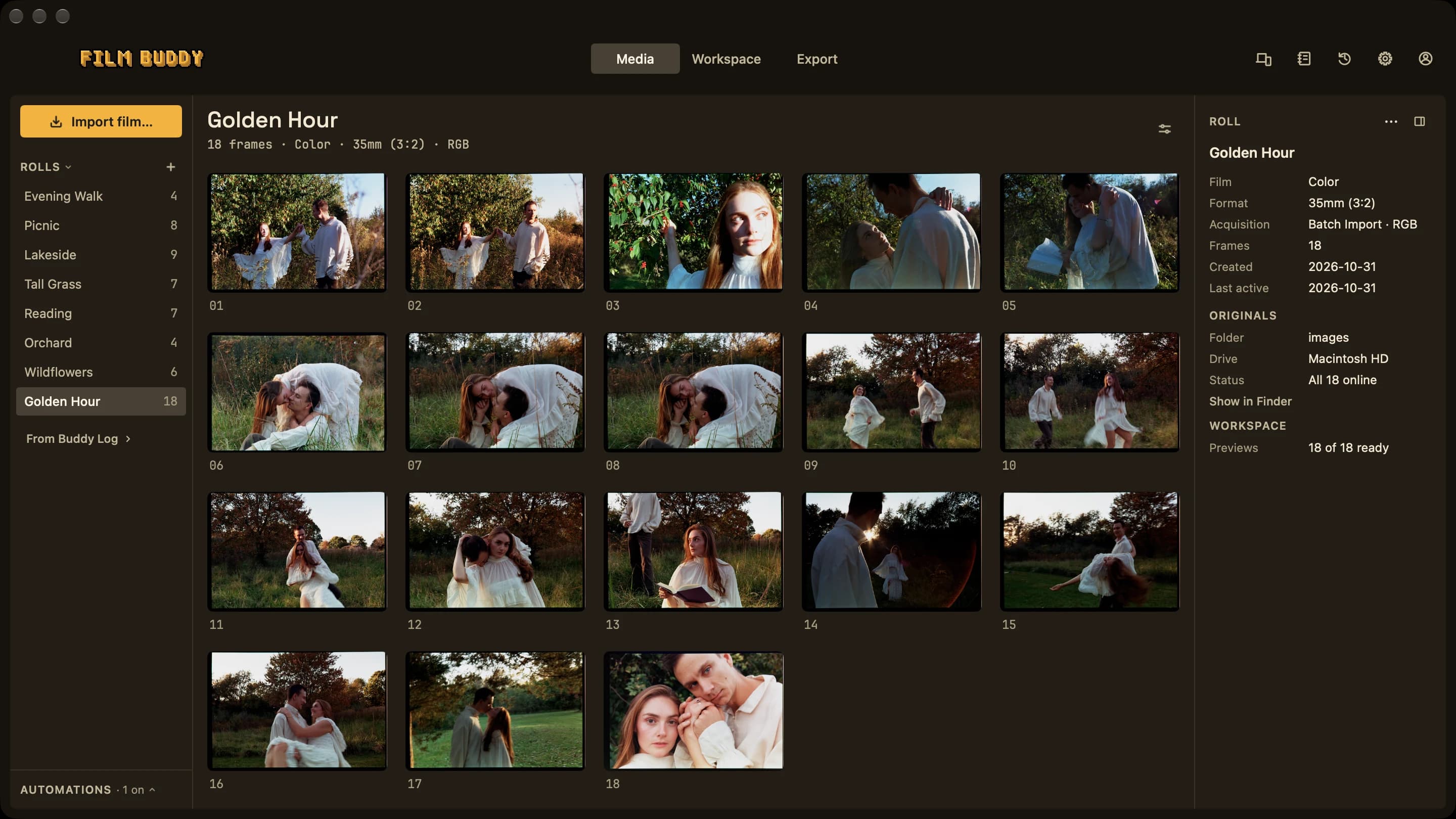
    Bring in the roll

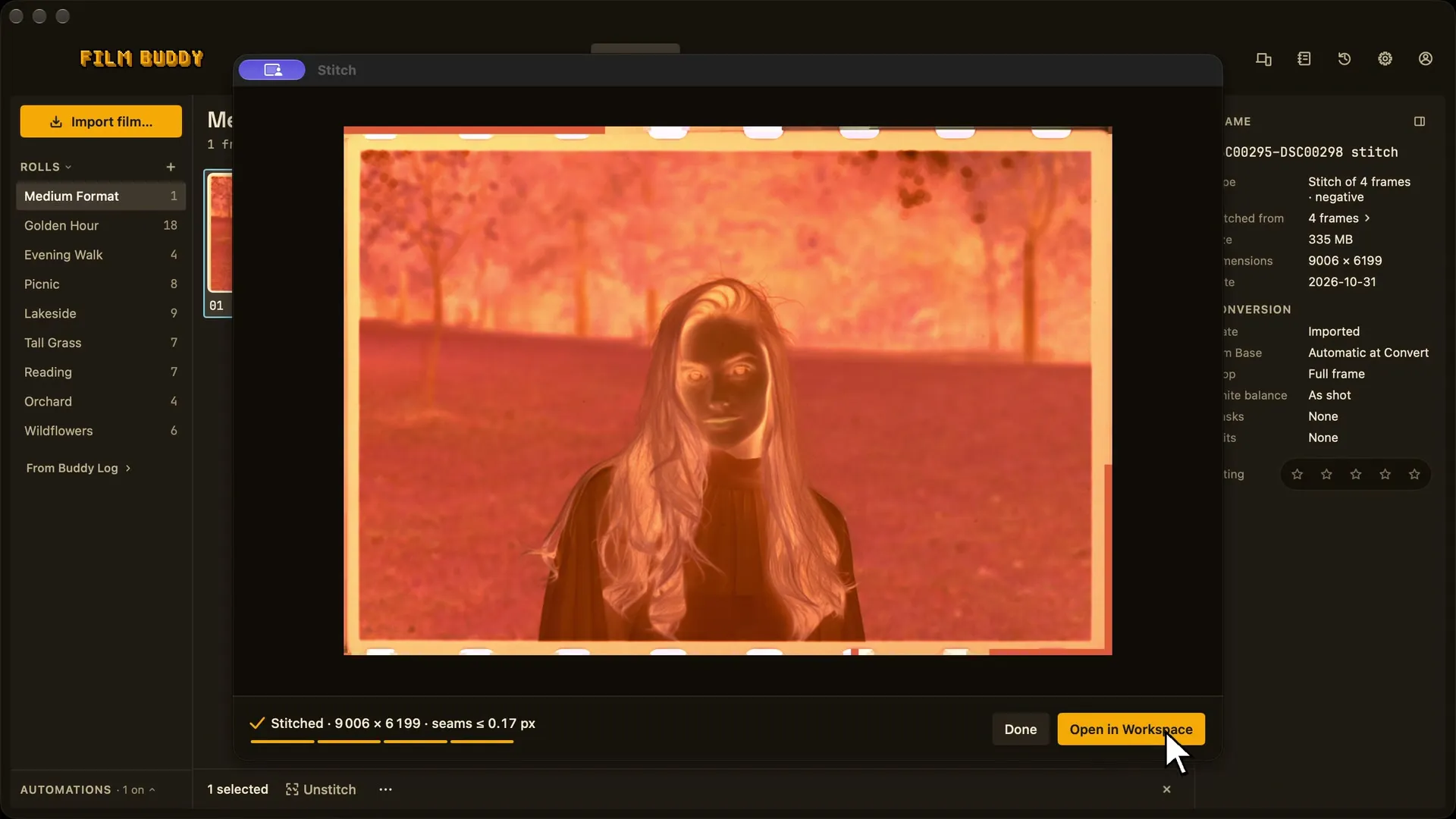
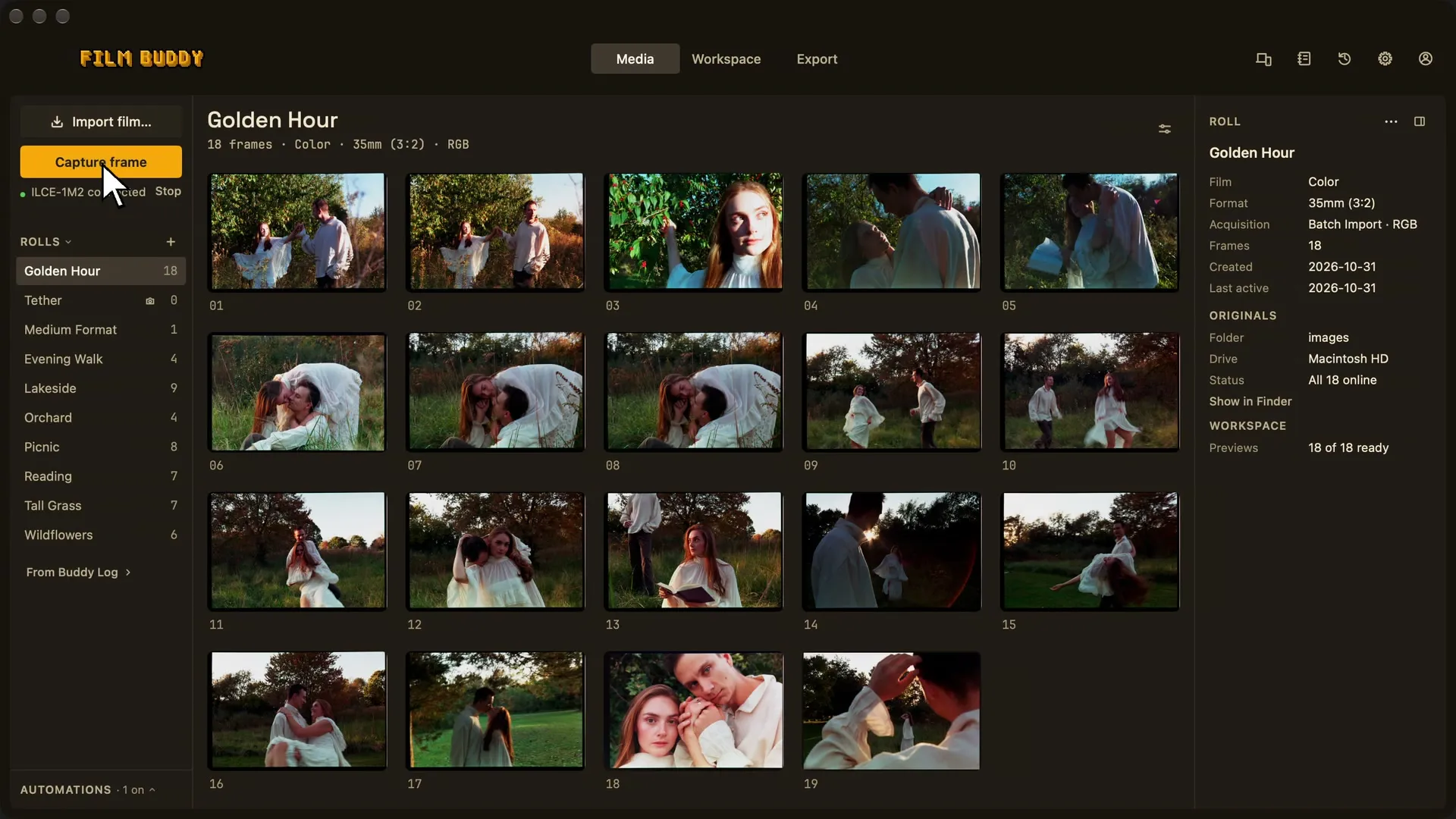
    Batch-import existing scans, or capture them through a compatible Sony camera connected over USB in PC Remote mode.

  2. 02

    Automatic controls · Hero Frame

    Choose how the roll is processed

    Turn on automatic white balance, crop, and conversion—or establish a Hero Frame to guide the rest of the roll.

  3. 03

    Workspace · Recipes

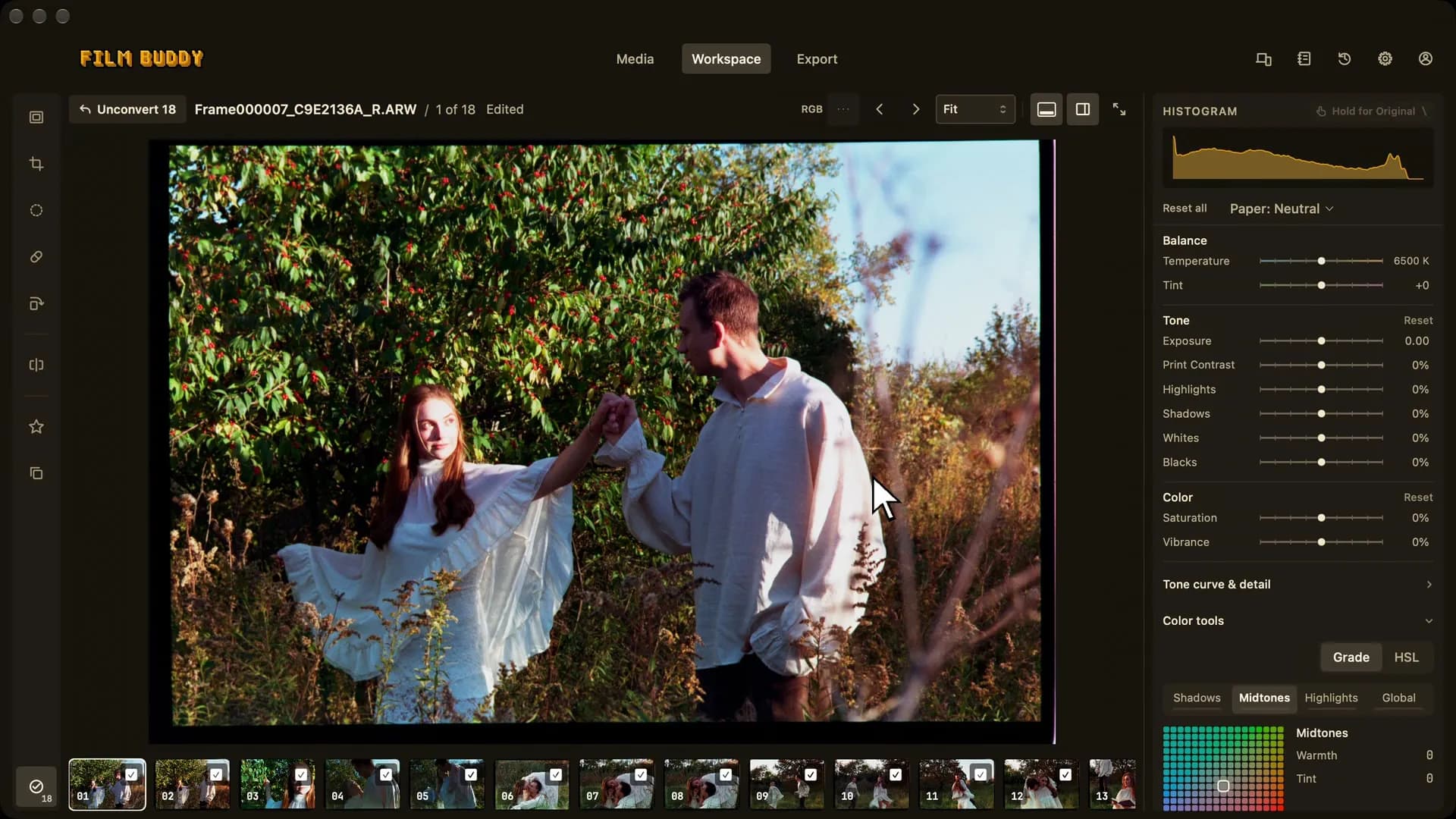
    Refine the look

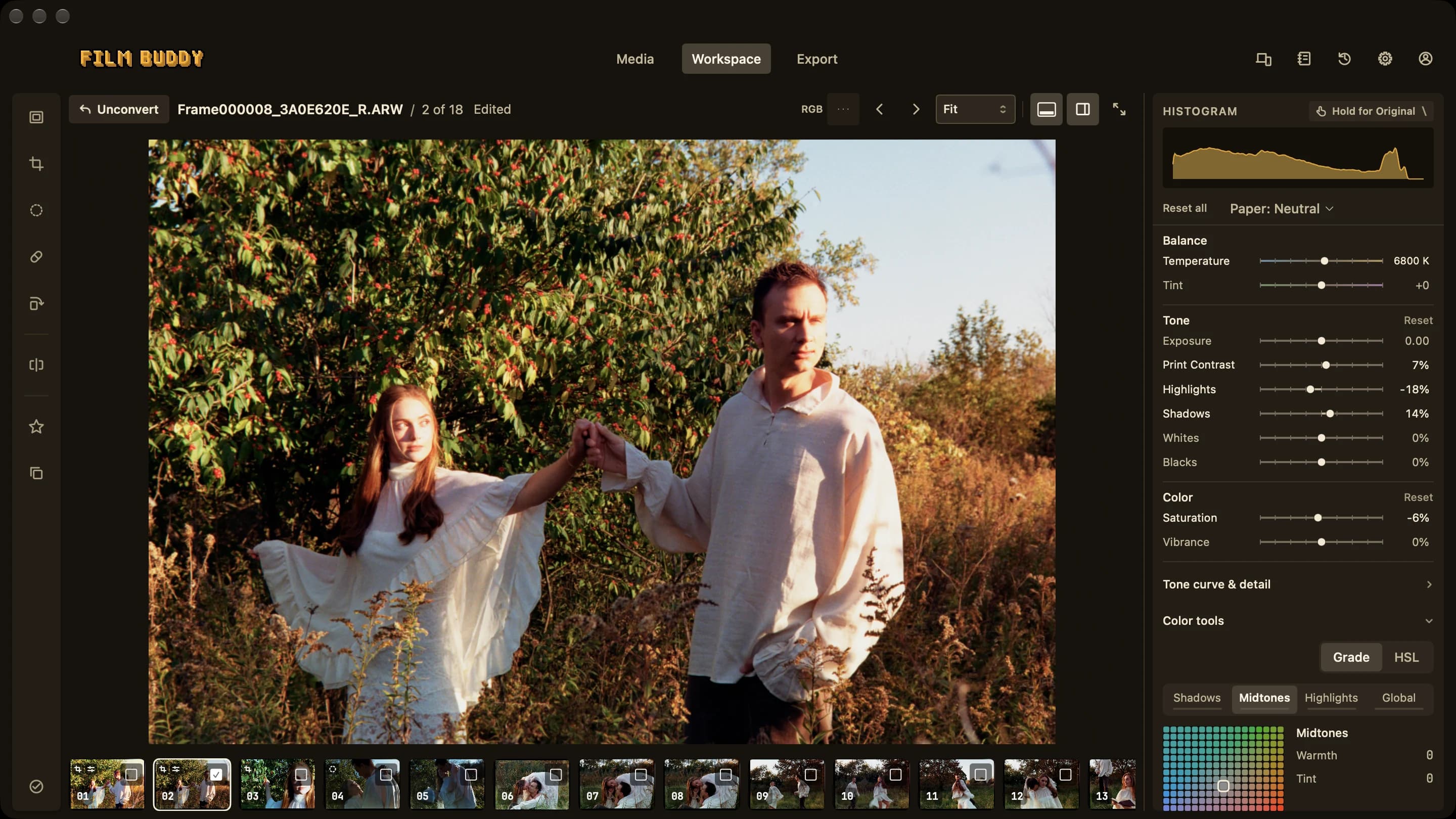
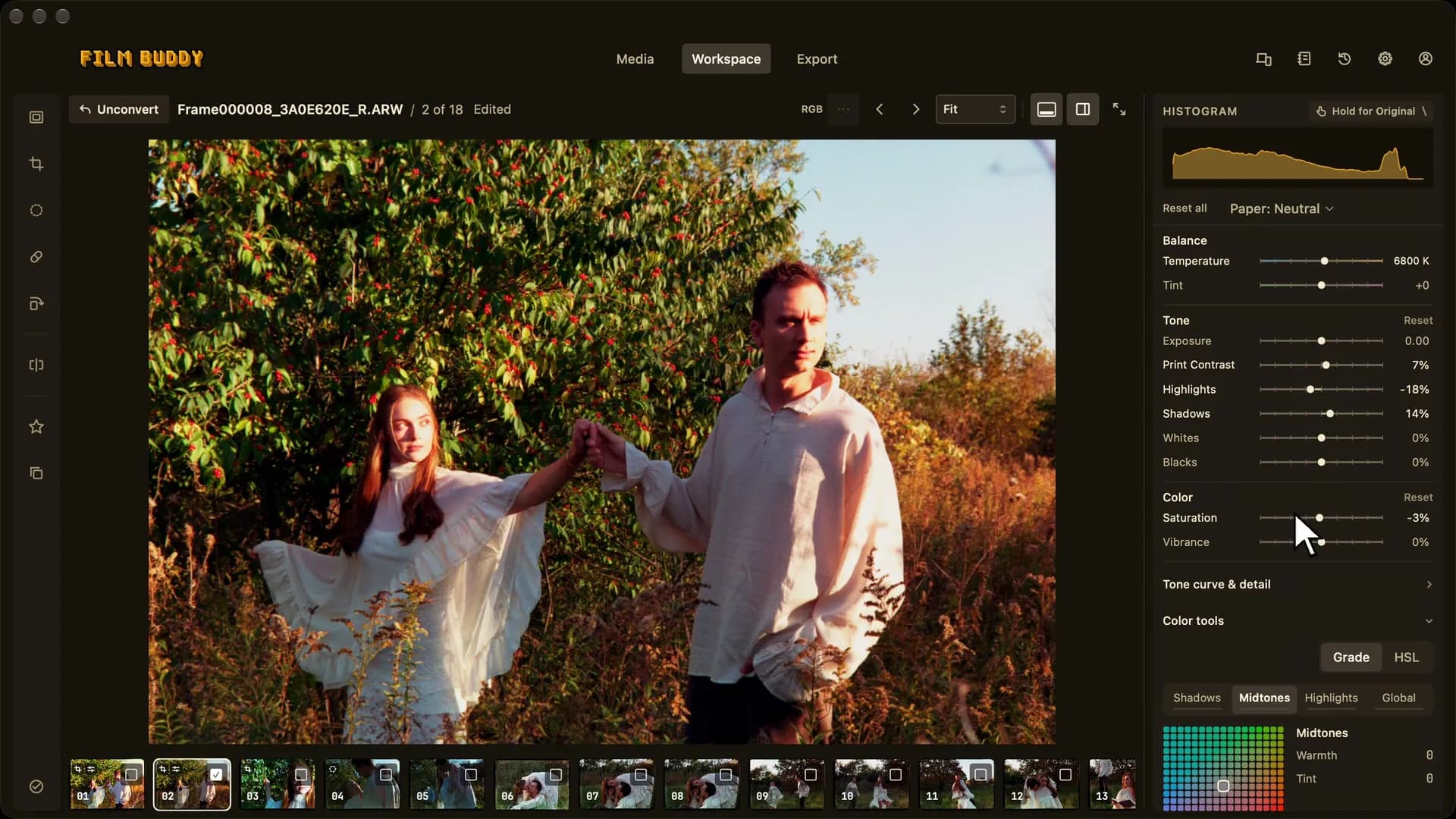
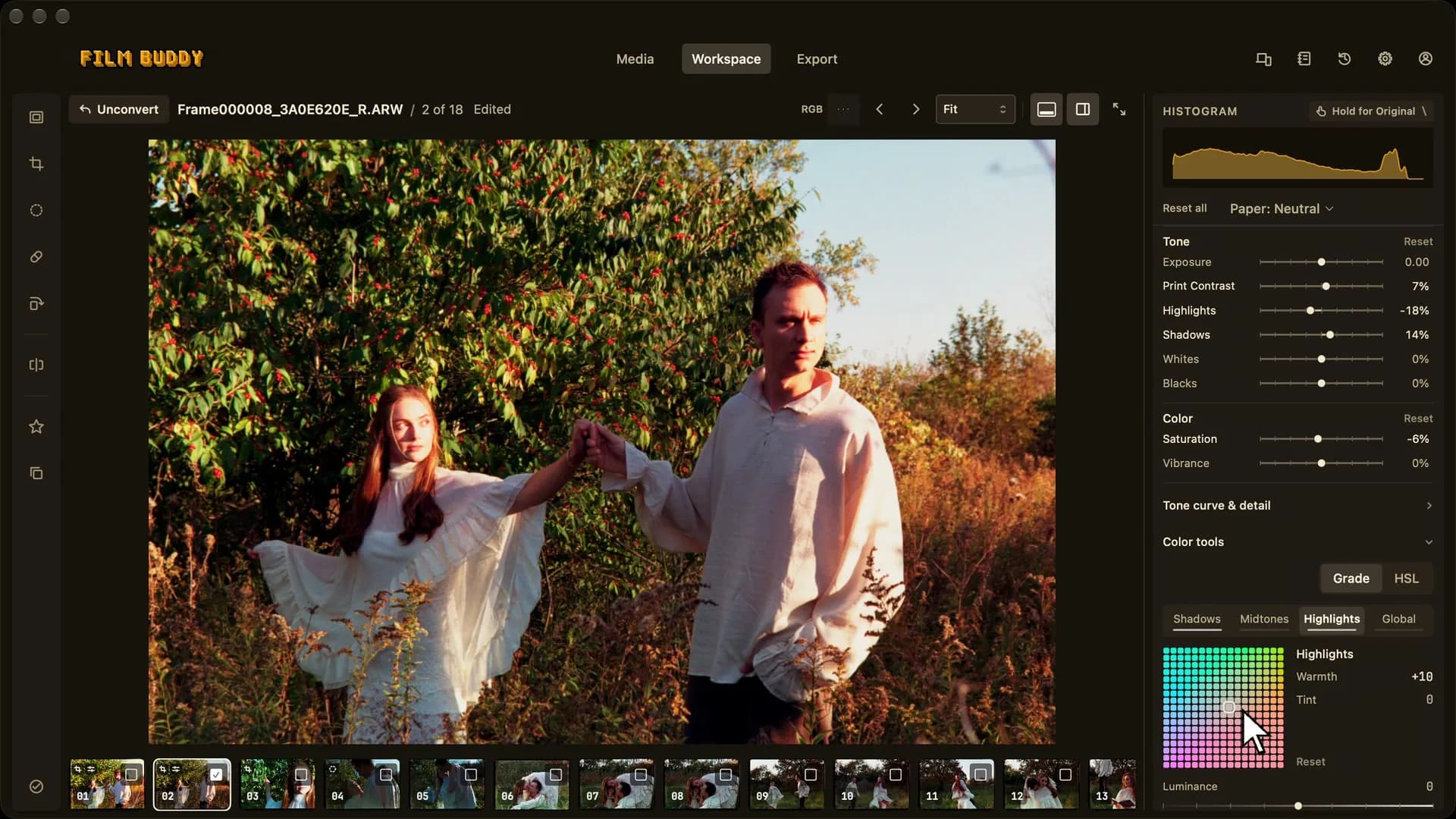
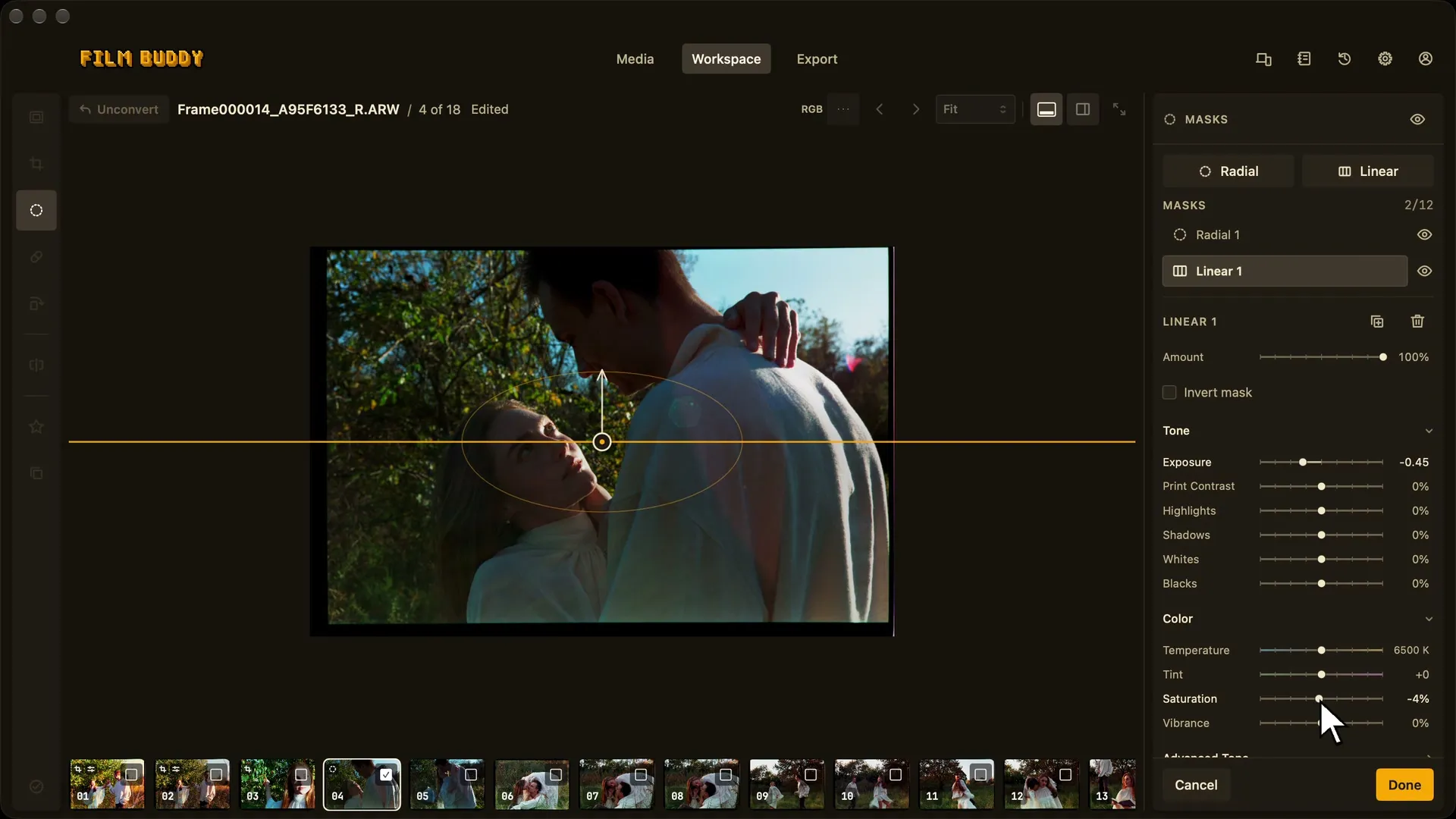
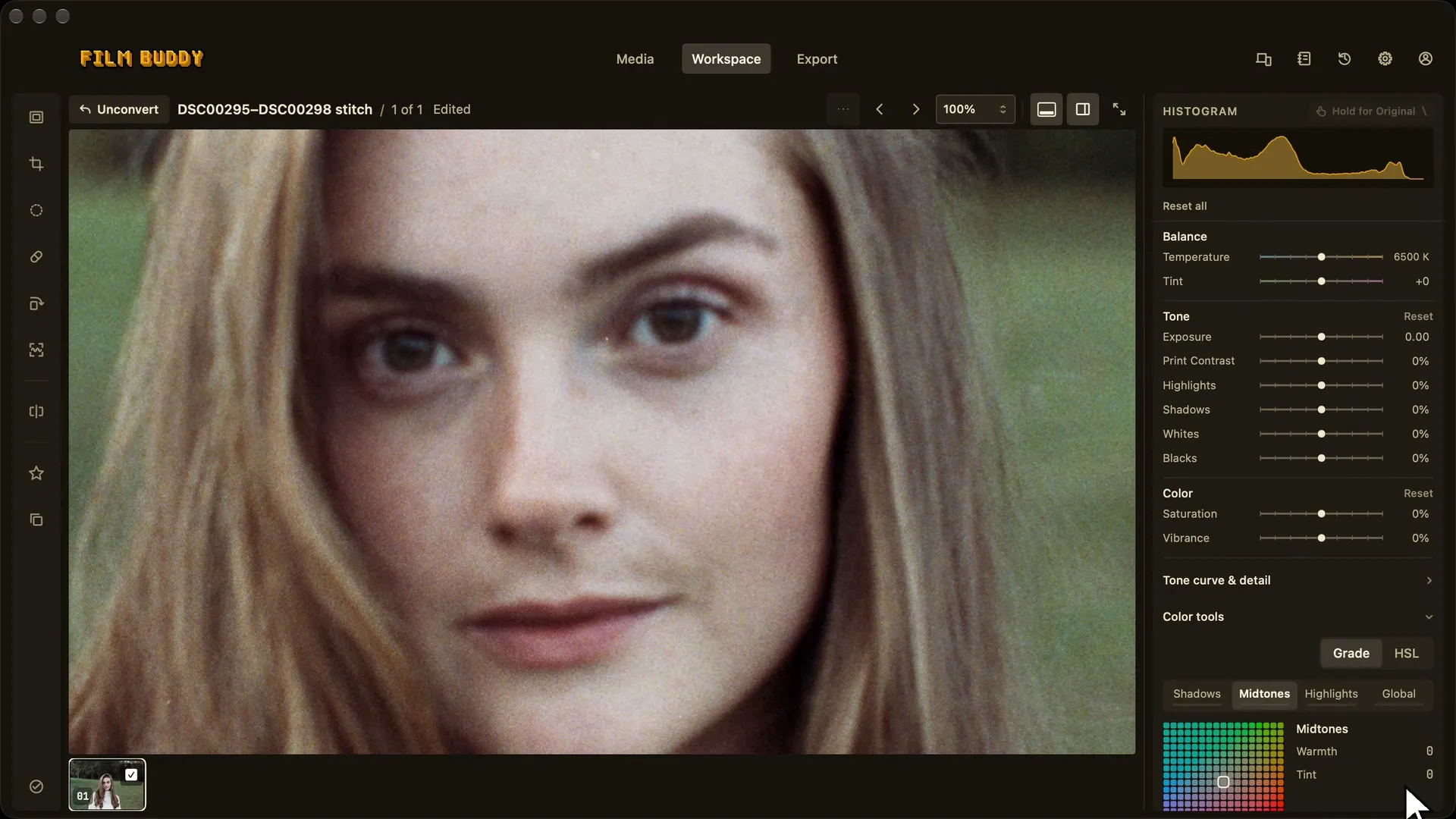
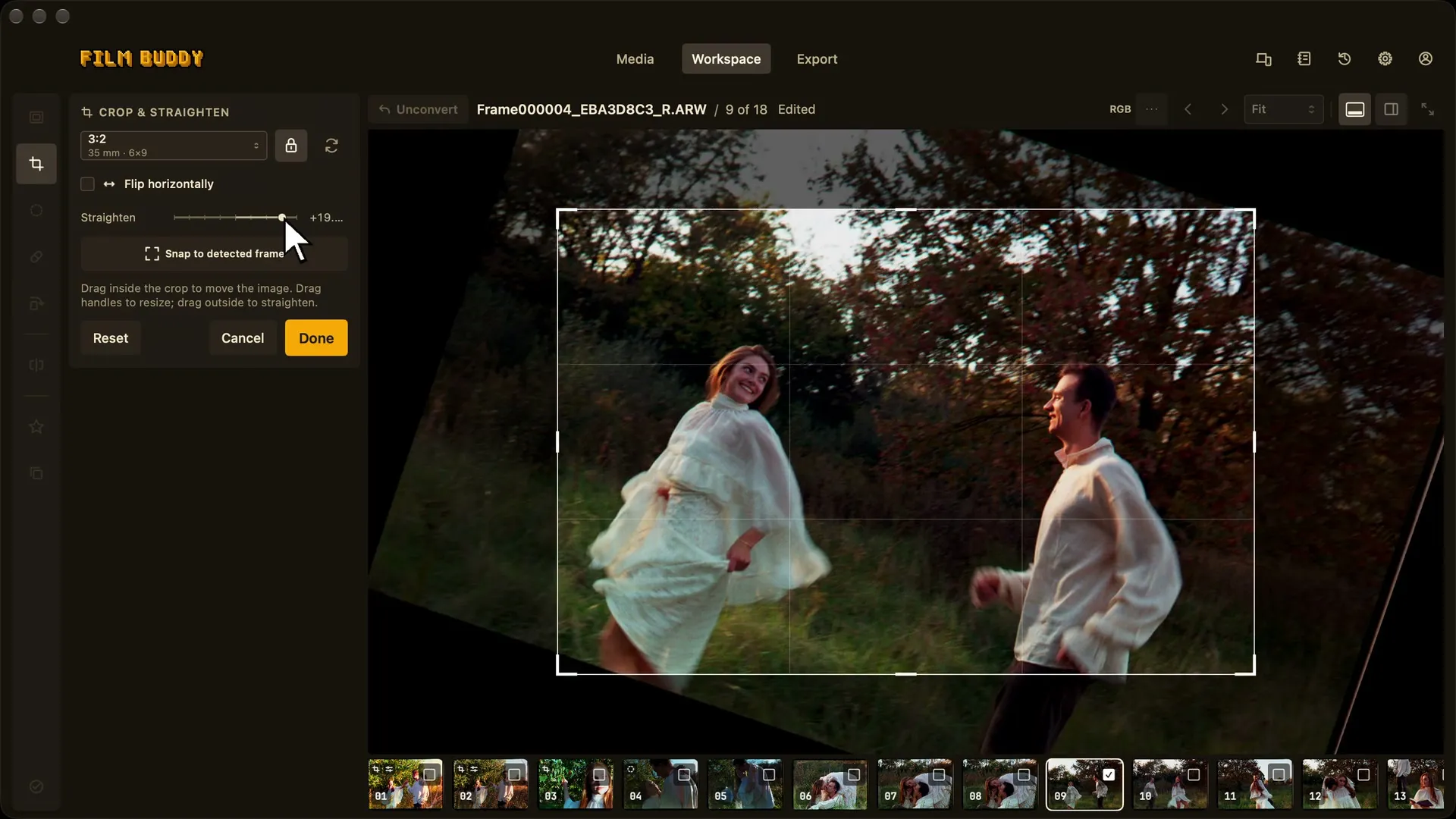
    Adjust crop, color, tone, and contrast with a live preview, then carry the chosen treatment across selected frames.

  4. 04

    Read-only reference

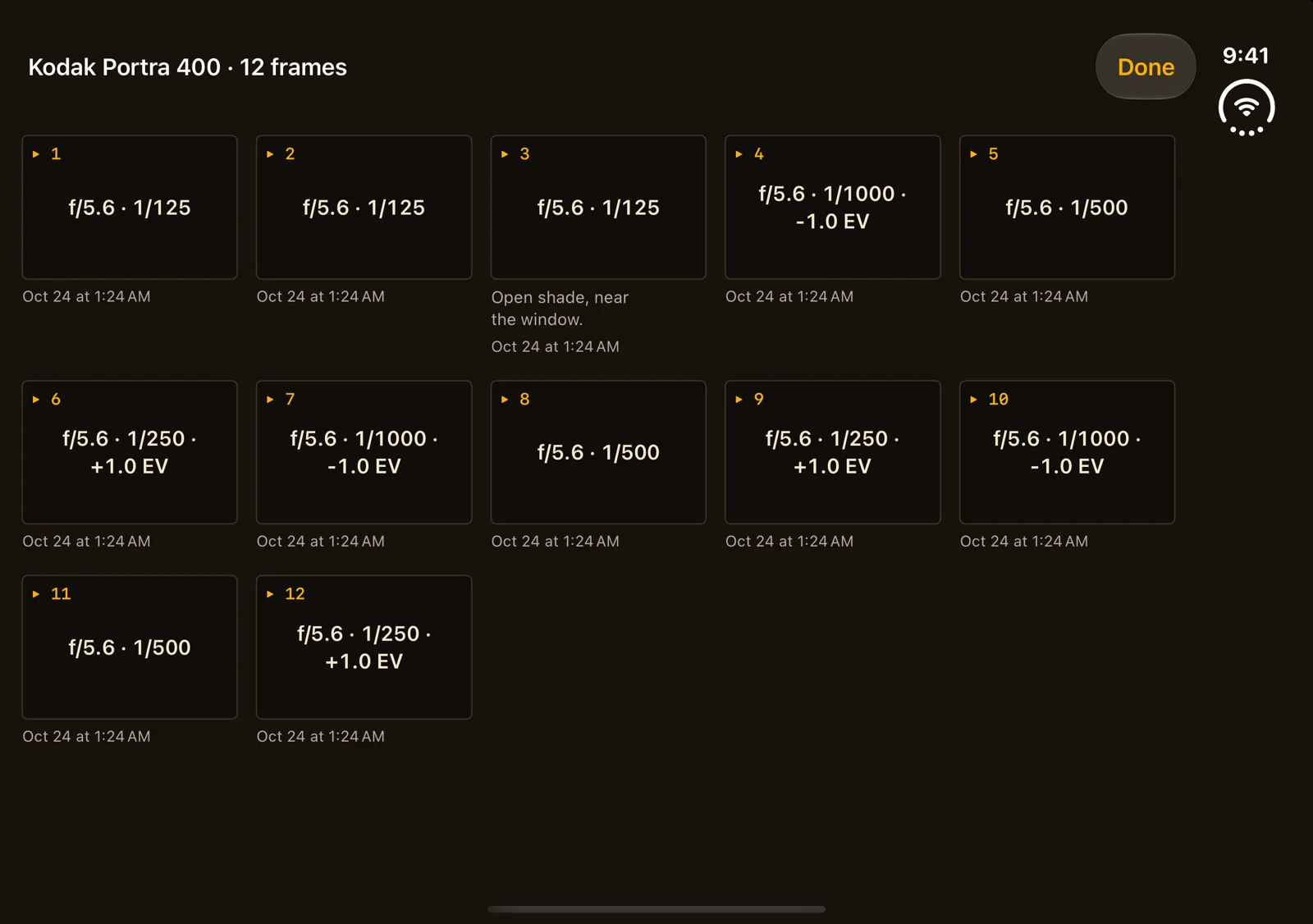
    Keep the Buddy Log beside you

    Reference film, camera, exposure, and frame notes without leaving the editing workspace. Refresh after syncing from iPhone to see the latest notebook snapshot.

  5. 05

    TIFF · JPEG · Color managed

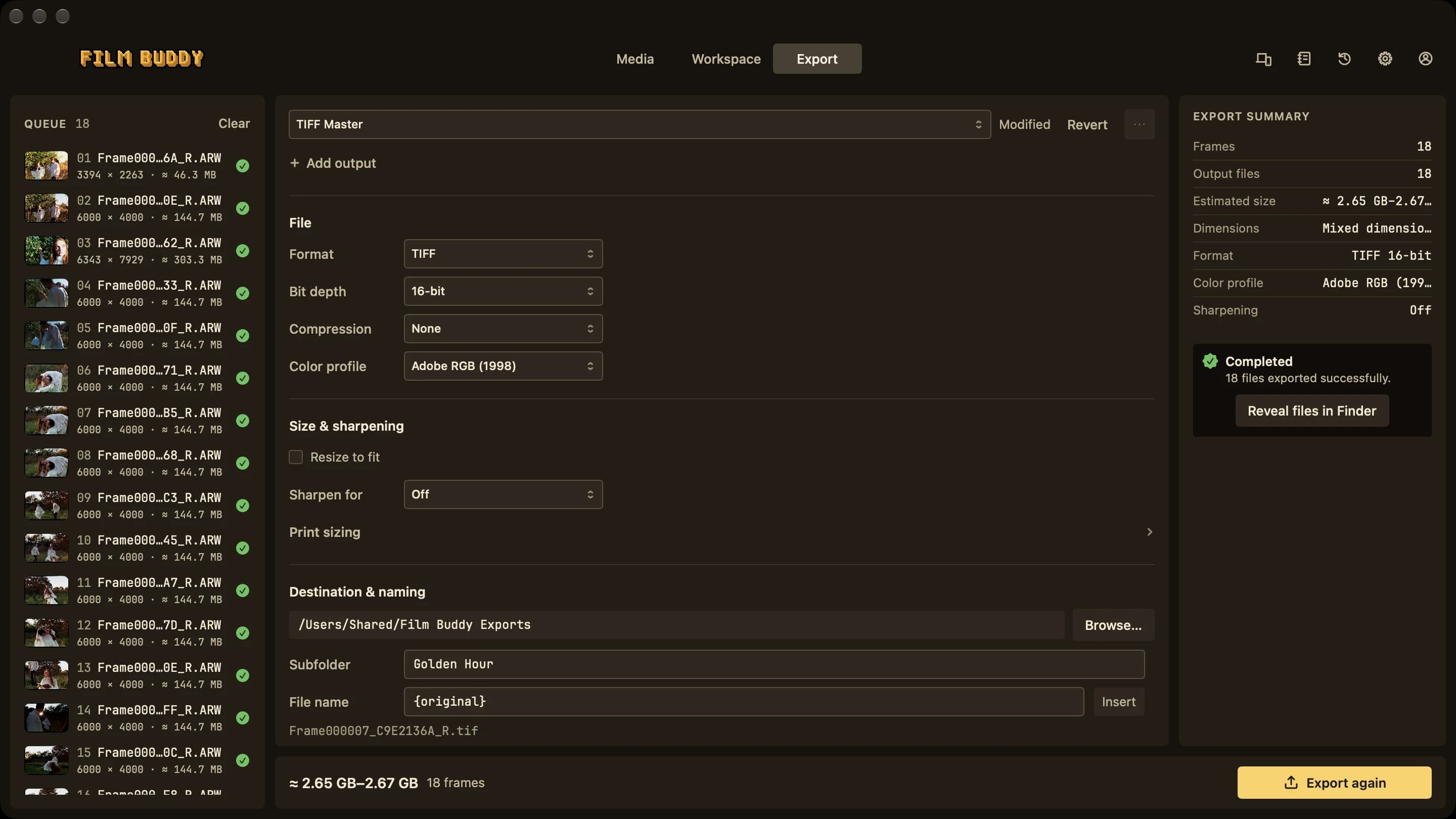
    Finish the roll

    Select the completed frames and export color-managed TIFF or JPEG files in the format, color space, and naming plan you choose.

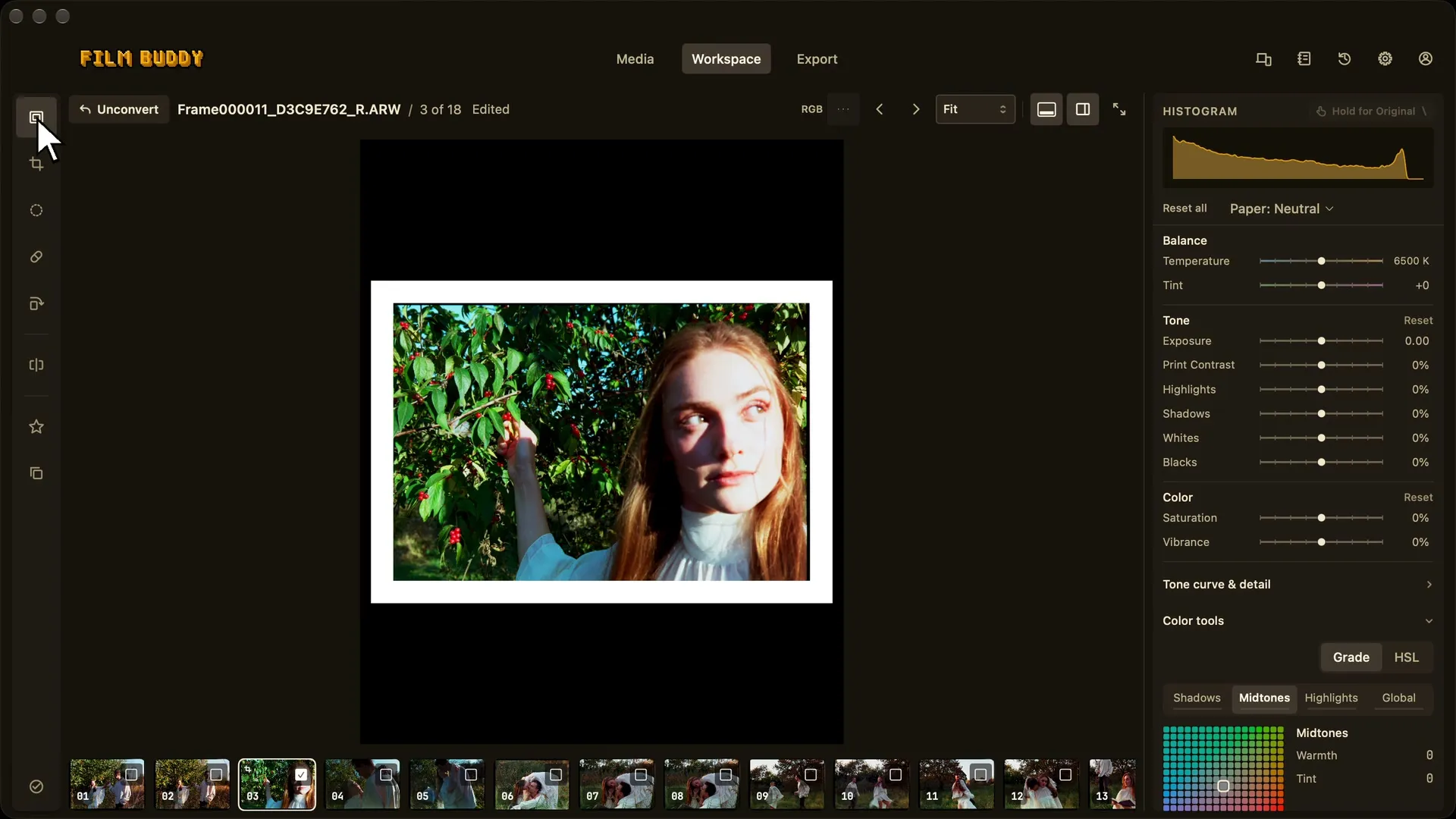
Film Buddy Workspace with a converted frame, editing controls, histogram, and filmstrip
WorkspaceLive image, histogram, tools, and the rest of the Roll together.
Film Buddy Media view showing a selected Roll
MediaRolls, frames, import, and tether entry points.
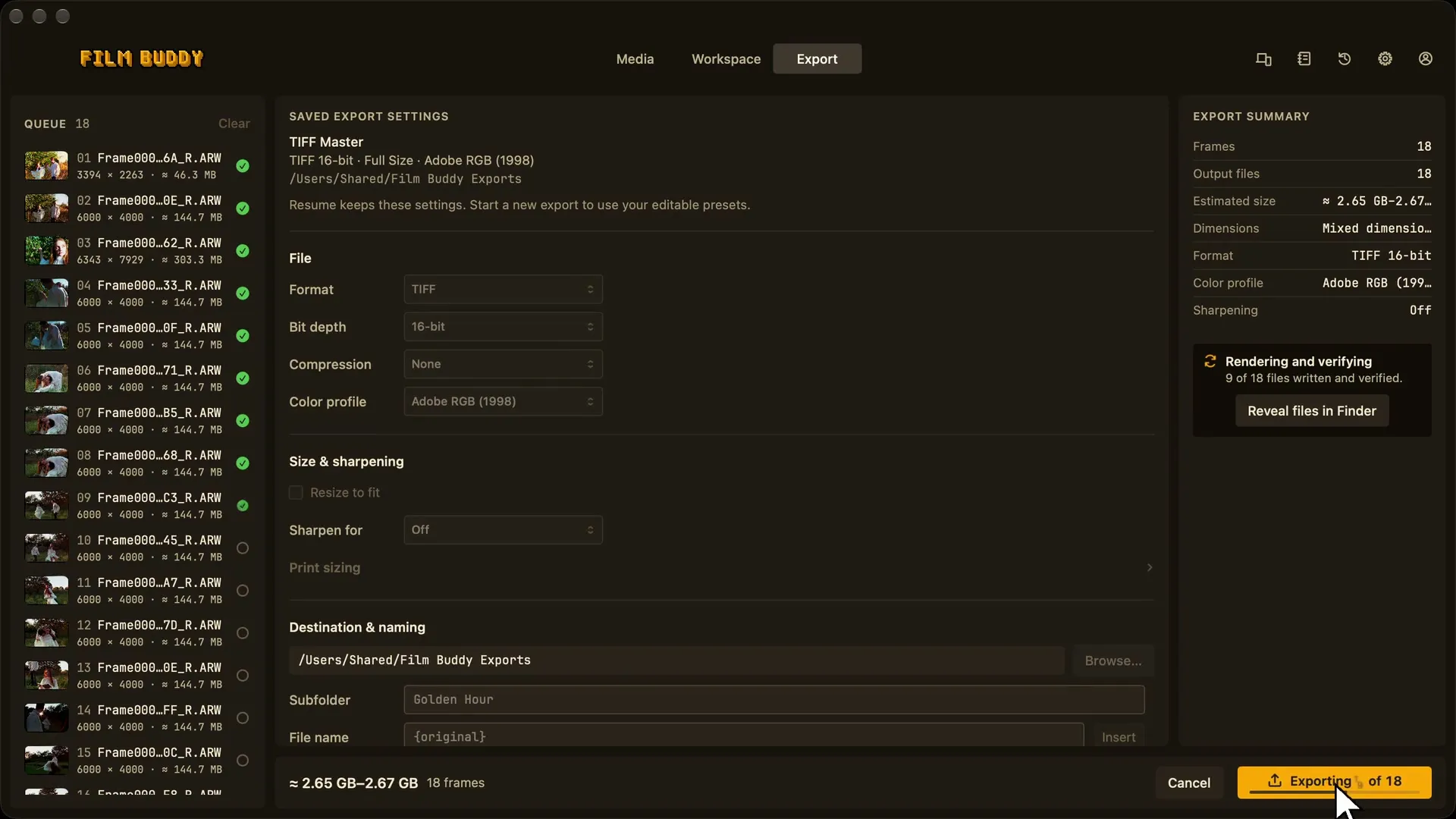
Film Buddy Export view with completed frames and export settings
ExportFinished-frame selection and a color-managed plan.
Inputs
Compatible Bayer RAW, TIFF, and JPEG scans
System
Apple silicon · macOS 13 or later
Output
TIFF or JPEG · four managed color spaces

Negative → positive

Let the frame speak for itself.

Drag across a supplied camera-scan demo frame to compare the color negative with its finished positive.

Camera-scanned color negative of a lighthouse
Converted positive of the same lighthouse frame
NegativePositive
Converted frame of a tree beside Lake Erie
Frame 01 · shoreline
Converted close-up frame of a yellow rose
Frame 10 · detail
Converted frame of a lighthouse under a blue sky
Frame 13 · lighthouse

Film Buddy for iPhone · Available now

Meter the light. Remember the roll.

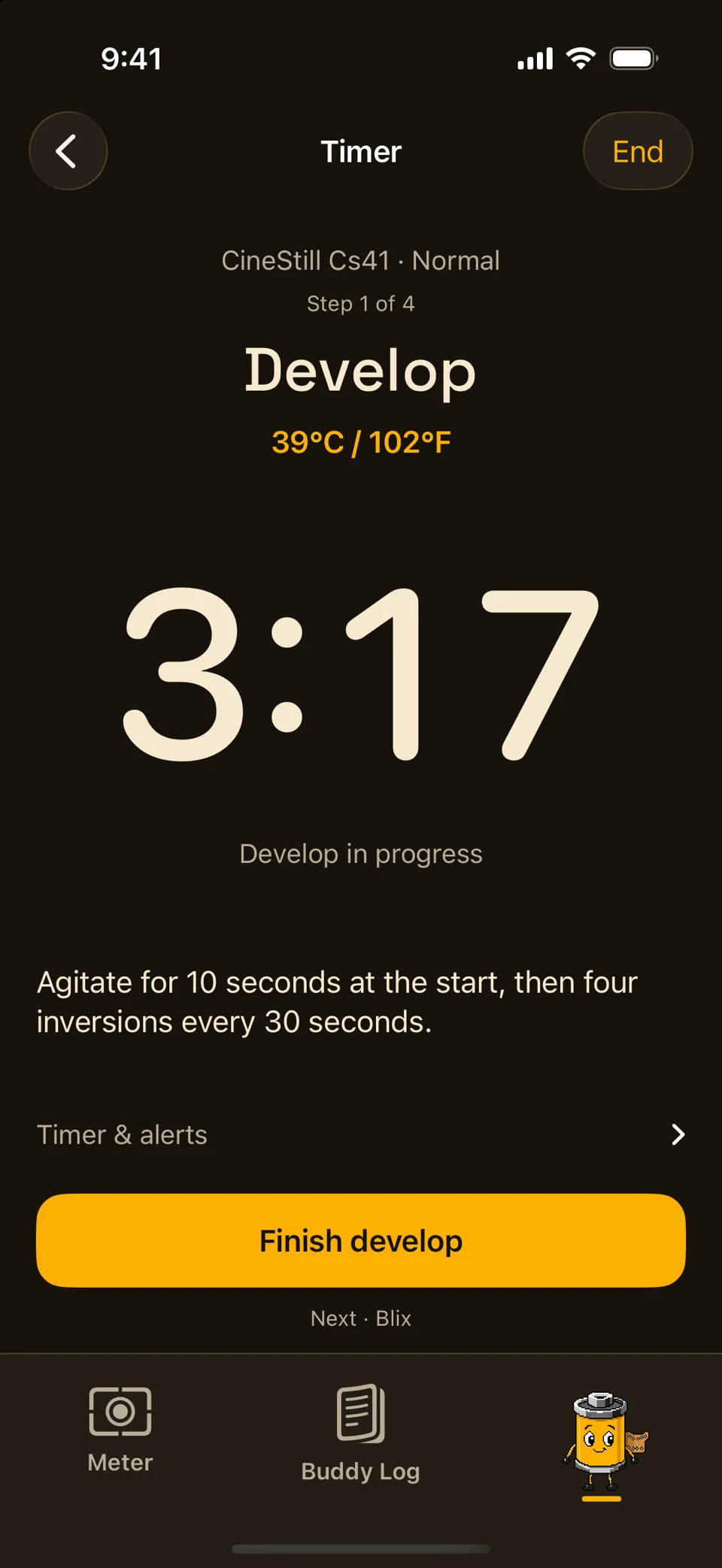
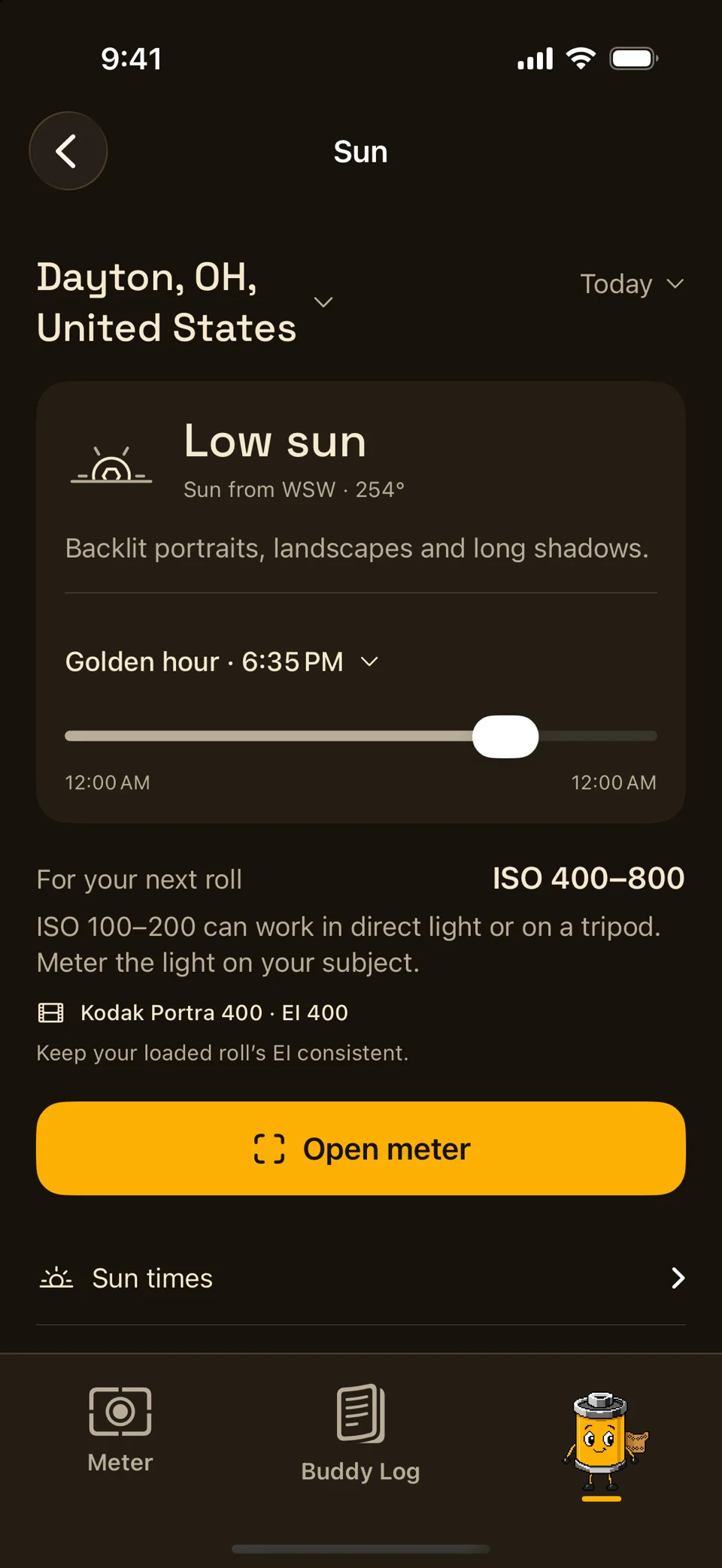
The field companion for analog photography: a reflected-light meter anyone can use, plus a private Buddy Log for approved beta members.

  1. 01

    Average · Selectable spot

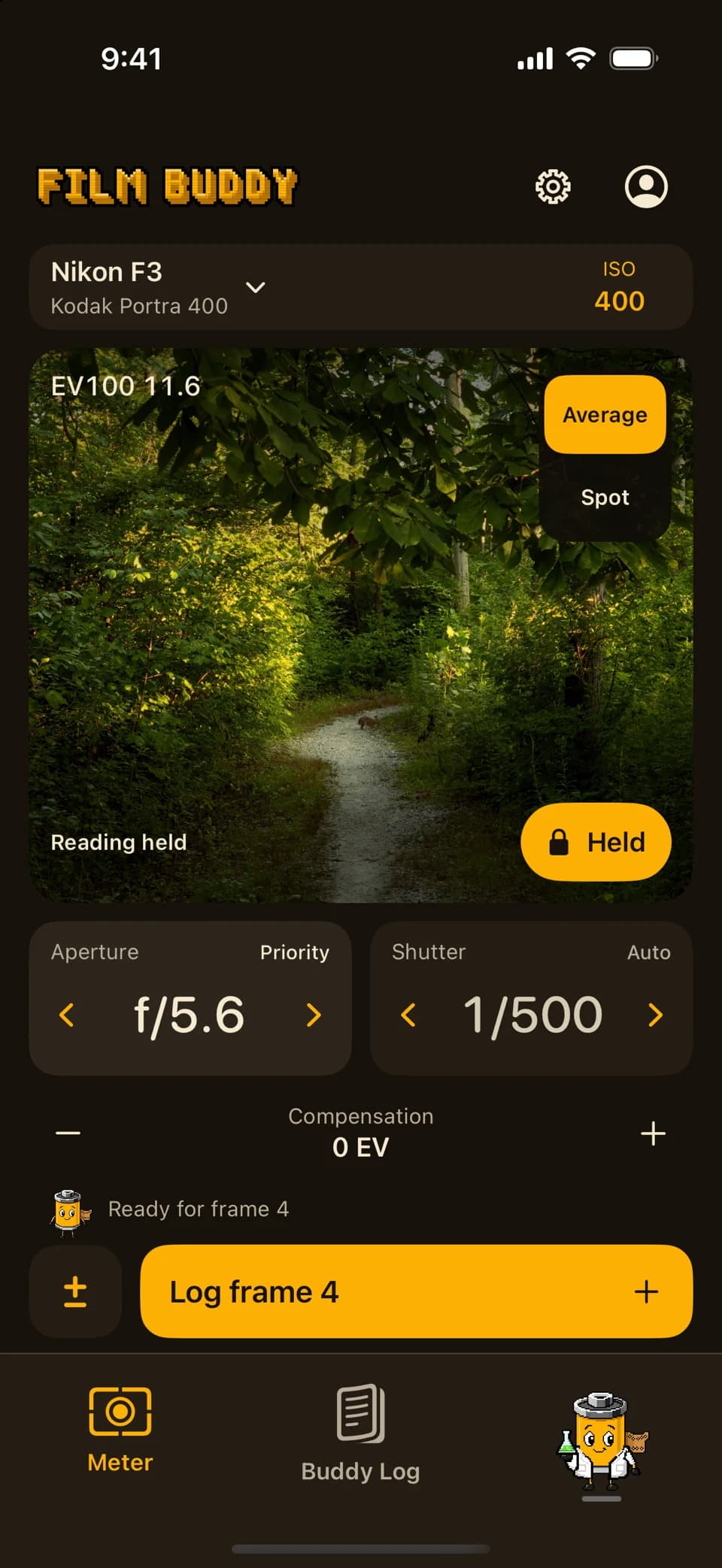
    Meter the light

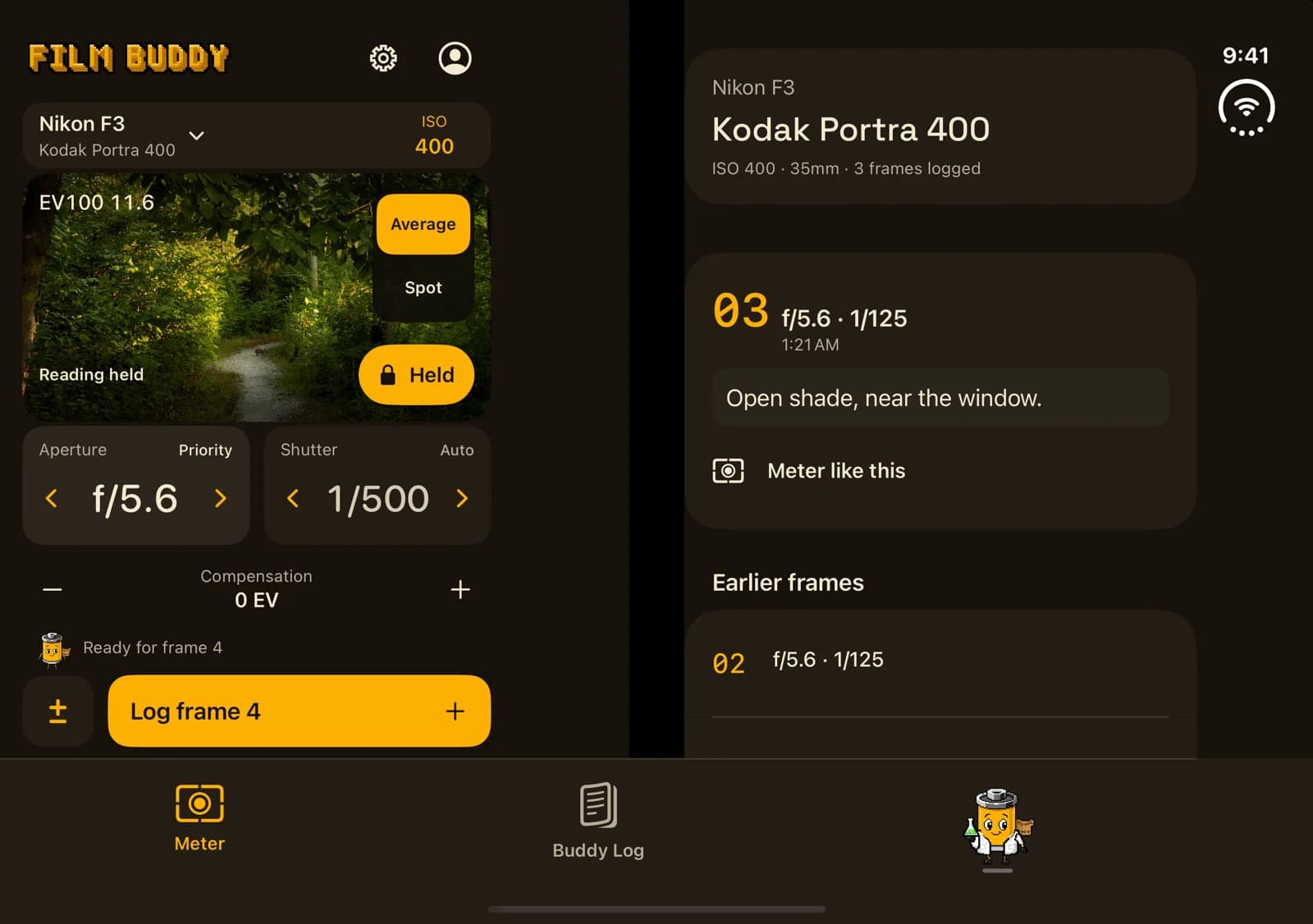
    Get a live reflected-light exposure estimate, choose average or tap-to-select spot metering, and lock the reading when the scene is ready.

  2. 02

    Film · Camera · Lens

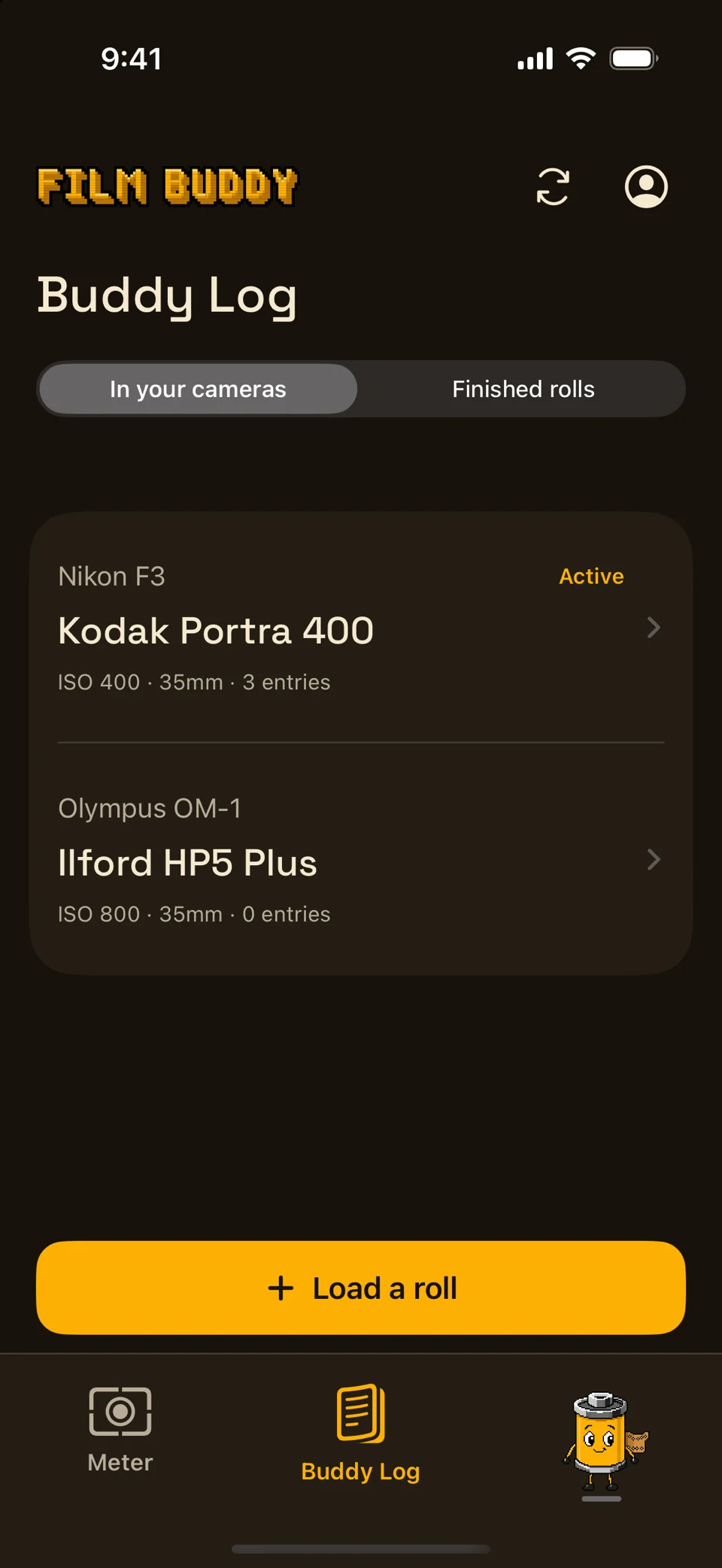
    Start a Buddy Log

    Record the roll, film stock, rated ISO, format, camera, and lens. The Meter stays account-free; Buddy Log requires approved beta access.

  3. 03

    Exposure · Notes · Important frames

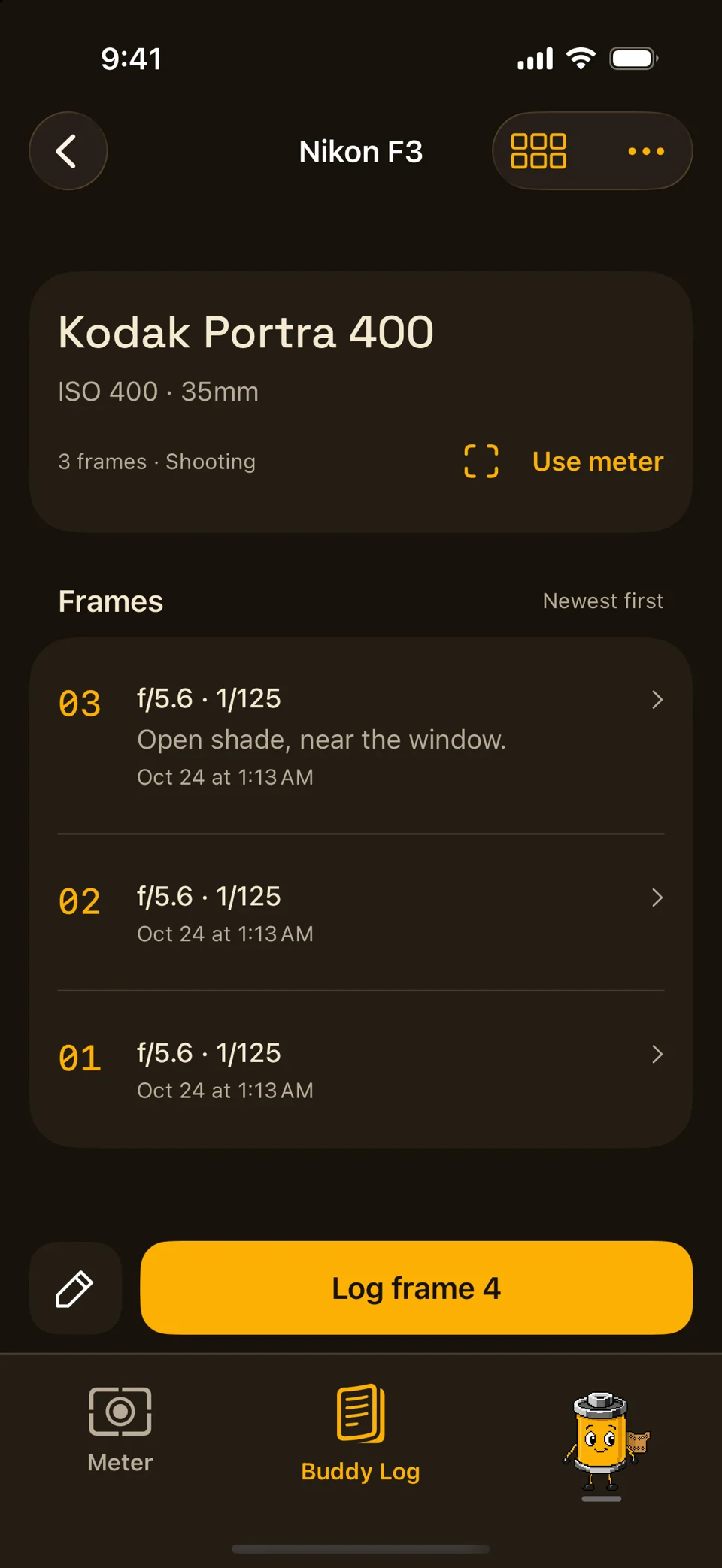
    Log every frame

    Save aperture, shutter speed, and notes while shooting—or send a locked Meter reading directly into the next numbered frame.

  4. 04

    Sync Now · Then refresh

    Carry it to your Mac

    Tap Sync Now to send Buddy Log metadata to your Film Buddy account, then refresh on Mac. Photographs, recipes, edits, and exports do not sync.

Available now · Free download

Take Film Buddy into the field.

Download Film Buddy and start with the reflected-light Meter—no account required. Buddy Log remains available to approved beta members.

Download on the App StoreRequires iOS 18 or later · iPhone onlyApple and the Apple logo are trademarks of Apple Inc., registered in the U.S. and other countries and regions. App Store is a service mark of Apple Inc.

Clear by design

One workflow. Honest boundaries.

01

The Meter is open

Use the reflected-light meter without creating an account. Camera preview frames are not captured, retained, or uploaded.

02

The notebook is deliberate

Buddy Log writes to iPhone first. Approved members choose when to tap Sync Now; other surfaces refresh explicitly.

03

The darkroom stays on your Mac

Scans, local libraries, recipes, edits, and exports are not carried through Buddy Log. Only roll and frame metadata can sync.